SOE · IDI PDEI
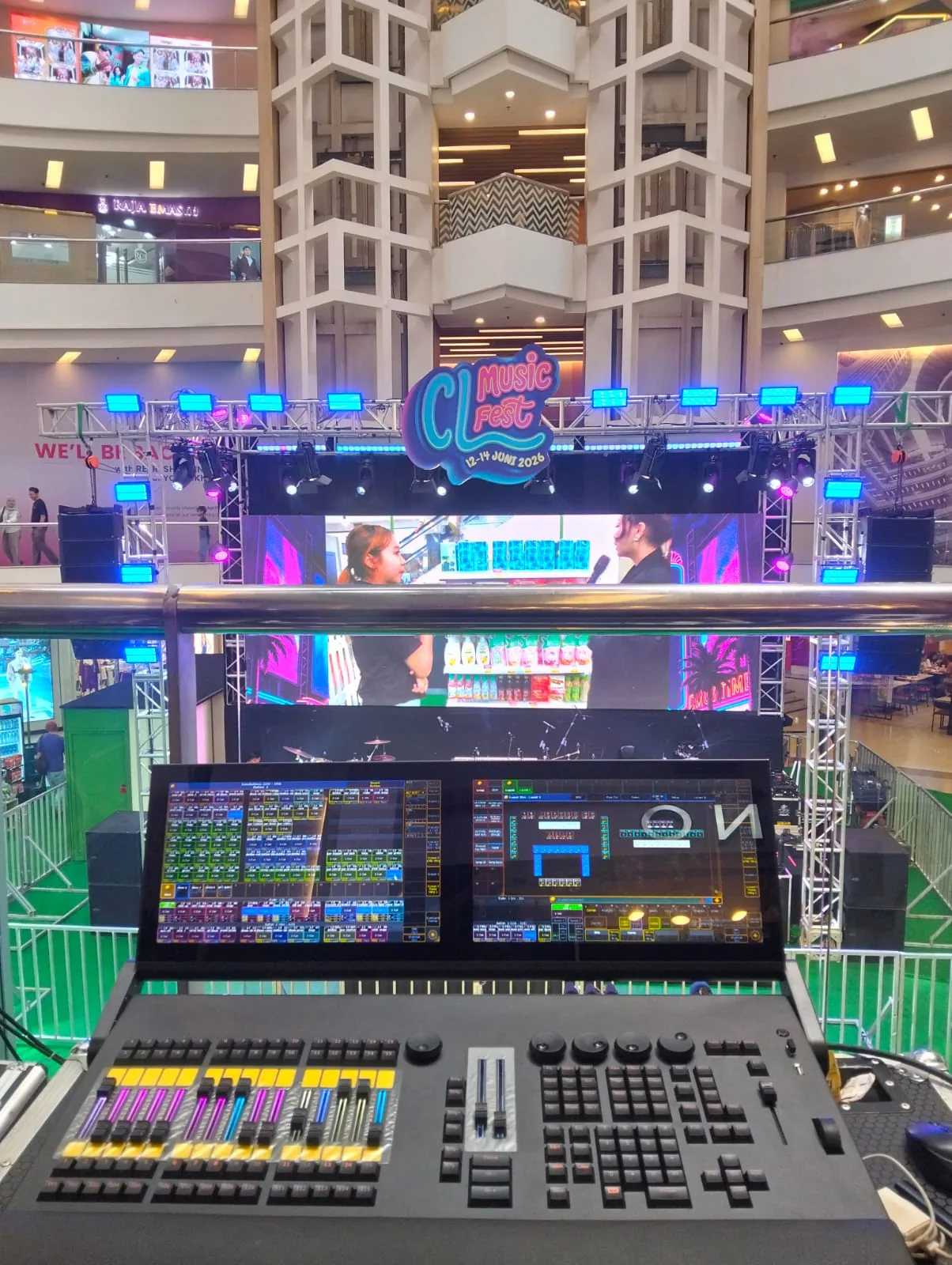
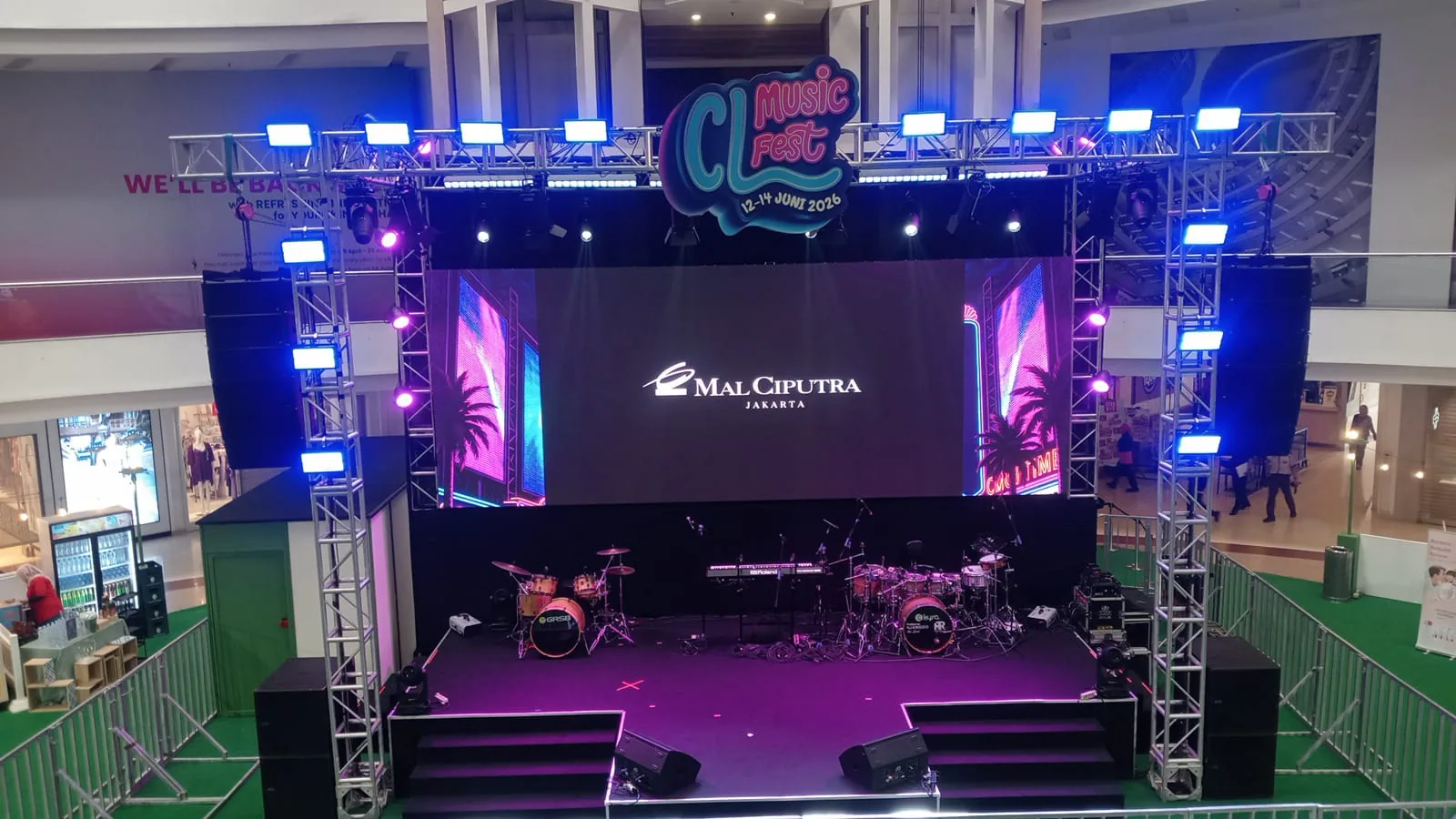
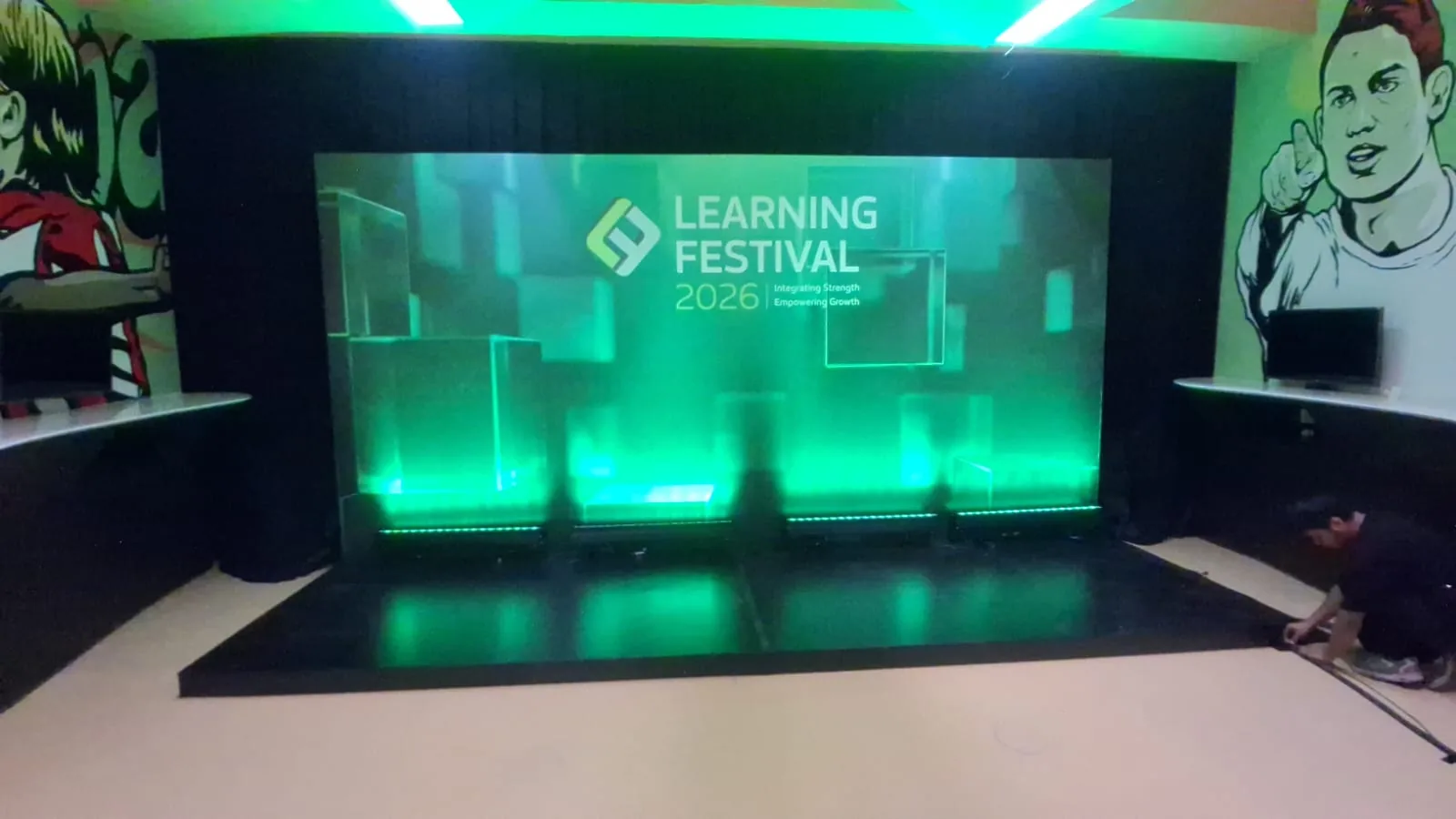
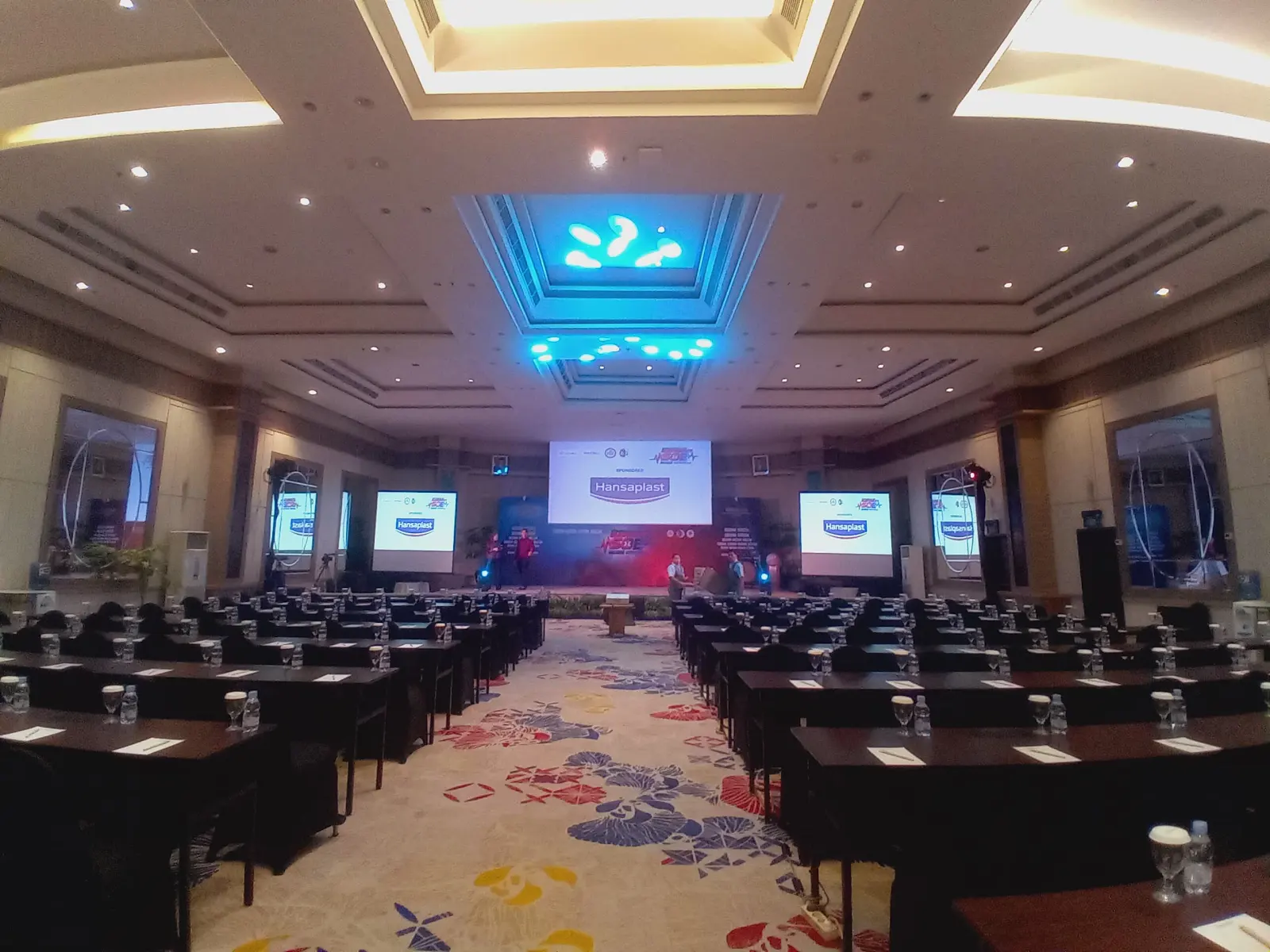
The photographs include the stage and a group-photo session. For your seminar, list each session's requirements separately. Presentations, discussions, and group photographs give the operator more useful context than a colour request alone.
Mark speaking areas and movement
Mark the lectern, panel seating, host area, and group-photo position on the stage plan. Explain if speakers move while presenting. If panel seating changes during the event, include that change in the brief so it can be checked at rehearsal.
- Standing and seated positions for each session.
- Screen areas that need to remain visible while speakers present.
- Camera positions agreed with the documentation team.
Separate essential coverage from atmosphere
First list the people and areas that need lighting. Then discuss stage colours, transitions between sessions, or the event's visual identity. Keep atmosphere references separate from speaker requirements so both can be considered within the agreed scope and budget.
Write cues the operator can identify
Sequence numbers, session names, and change triggers are easier to agree than an instruction to ‘follow the mood’. Specify whether a change follows the stage manager's cue, a video starting, or a speaker entering. When the programme changes, mark affected cues and share the same version with the team.
Test with the actual layout and cameras
At rehearsal, put someone at each speaker position and review the result with the operator and documentation team. Try a session change and the group-photo arrangement if needed. Record specific revisions, such as an area to adjust or a cue to move, so the next discussion builds on an agreed result.