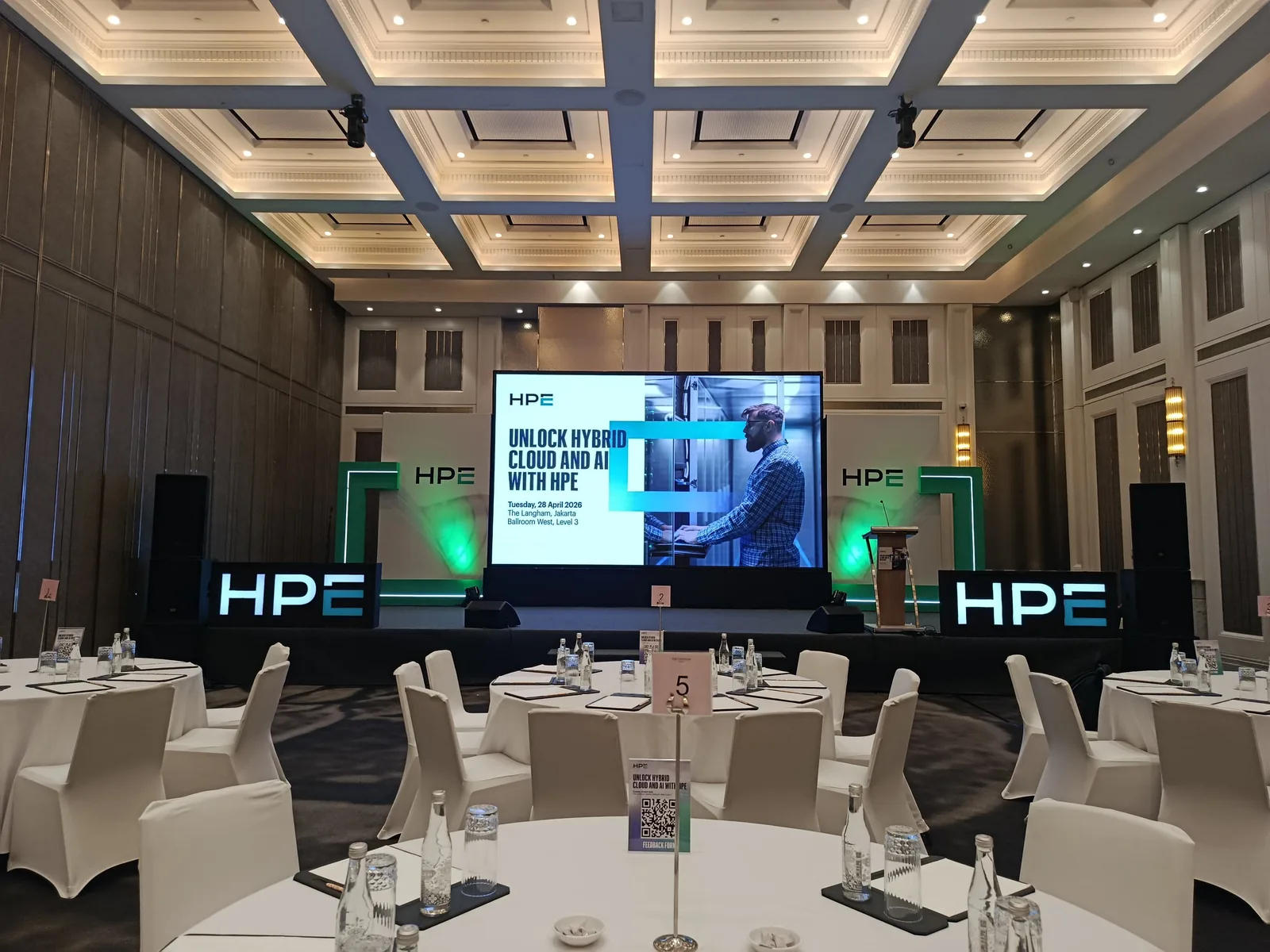
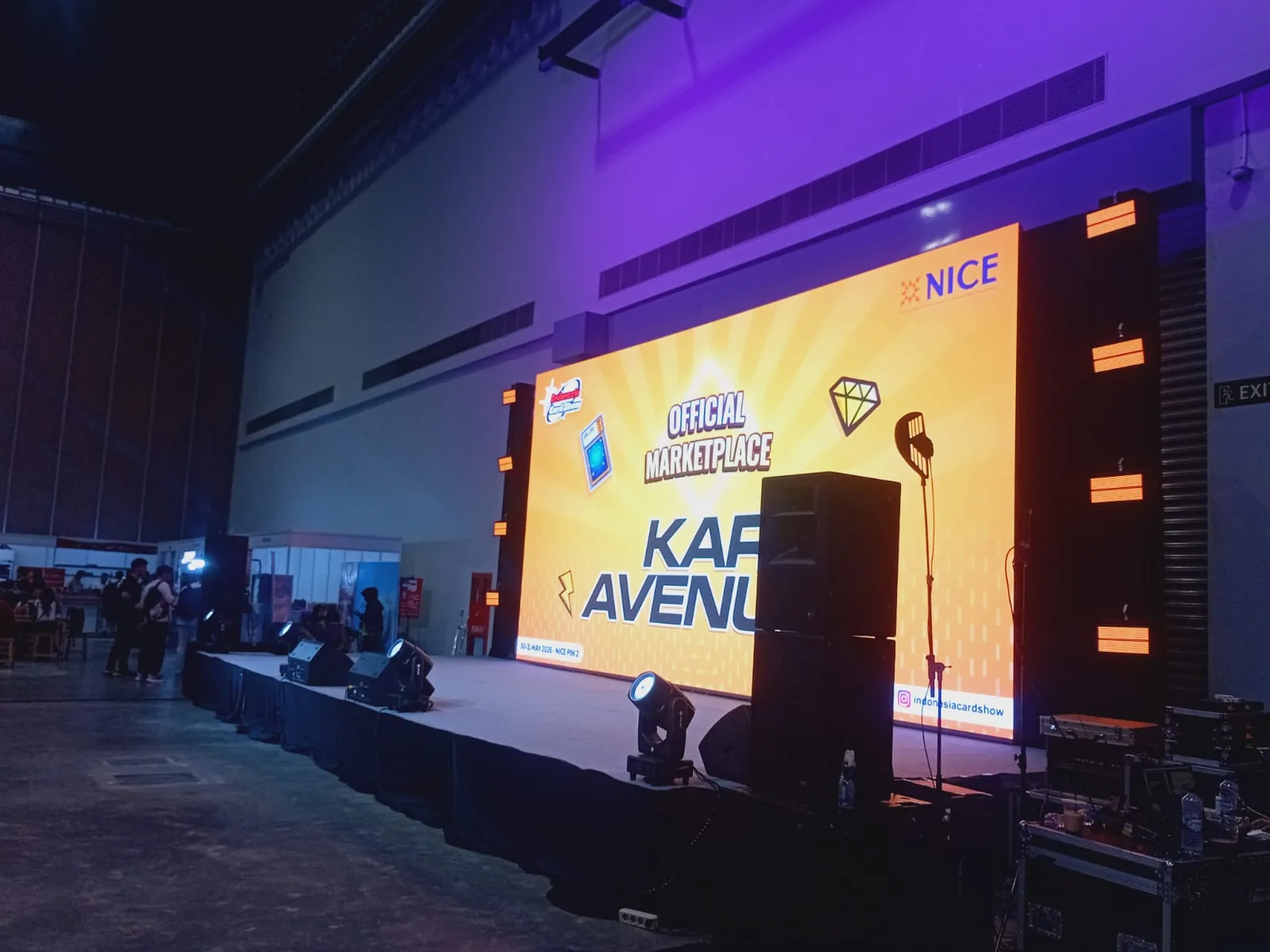
From project photos in an exhibition hall and an auditorium
The project photographs from Indonesia Card Show at NICE, PIK 2 (30–31 May 2026) show a stage with an LED screen, lights, and speakers in the exhibition hall. The photographs from 50 Years of Indonesian Satellites at the BRIN building show a main LED screen and vertical LED panels. The two spaces are very different, which is the point: screen size and pixel pitch are best decided from the room, the audience distance, and the content, not from an equipment list. The sections below explain how to work that out.
Pixel pitch and viewing distance
Pixel pitch is the distance between LED pixels, measured in millimetres. The smaller the number, the denser the pixels and the smoother the image up close. A common starting point is roughly 1 metre of minimum comfortable viewing distance for every 1 mm of pitch, so a 3 mm screen starts to look smooth from around 3 metres. Treat this as a rule of thumb only and confirm it with the technical team, because content type, text size, and seating positions also matter.
- Measure the distance from the front row to the screen position.
- Also measure the furthest viewer to judge whether text will be readable.
- For booths or areas viewed up close, discuss a finer pitch.
Size, aspect ratio, and mounting height
Screen size follows the stage width, ceiling height, and the furthest viewer. Decide the aspect ratio early, for example 16:9 for slides and video, or wide and vertical formats for stage design. The bottom edge of the screen should normally sit above the heads of a seated audience so nothing blocks the view. Ask the venue whether the screen may be flown or must be ground-stacked, what the rigging load limits are, and what the clear ceiling height is. These answers shape which structure is possible.
Prepare content to the screen resolution
Every LED screen configuration has its own pixel resolution, which rarely matches a laptop exactly. Ask the technical team for the screen's pixel dimensions and build the content to that size so nothing is cropped or blurred. Indoors, brightness is usually turned down so the screen is comfortable for the audience and for cameras. Outdoors, use units designed for outdoor use and discuss daytime brightness. Check every piece of content during the technical rehearsal, not at the last minute.
- The canvas size in pixels for each screen, including side or vertical panels.
- The video and slide file formats to be played.
- Who will switch content during the show.
Send one complete LED brief
Combine the date, venue, load-in times, floor plan, front and rear seating distances, stage size, and sample content into one brief. Mention whether the event will be recorded or live-streamed, because that affects screen settings. Separate essential requirements from options still under consideration. Princess sales prepares a quotation for the LED screen hire after these details have been discussed with your team. If you have visual references or stage drawings, attach them so the technical team can judge a realistic screen size and position.