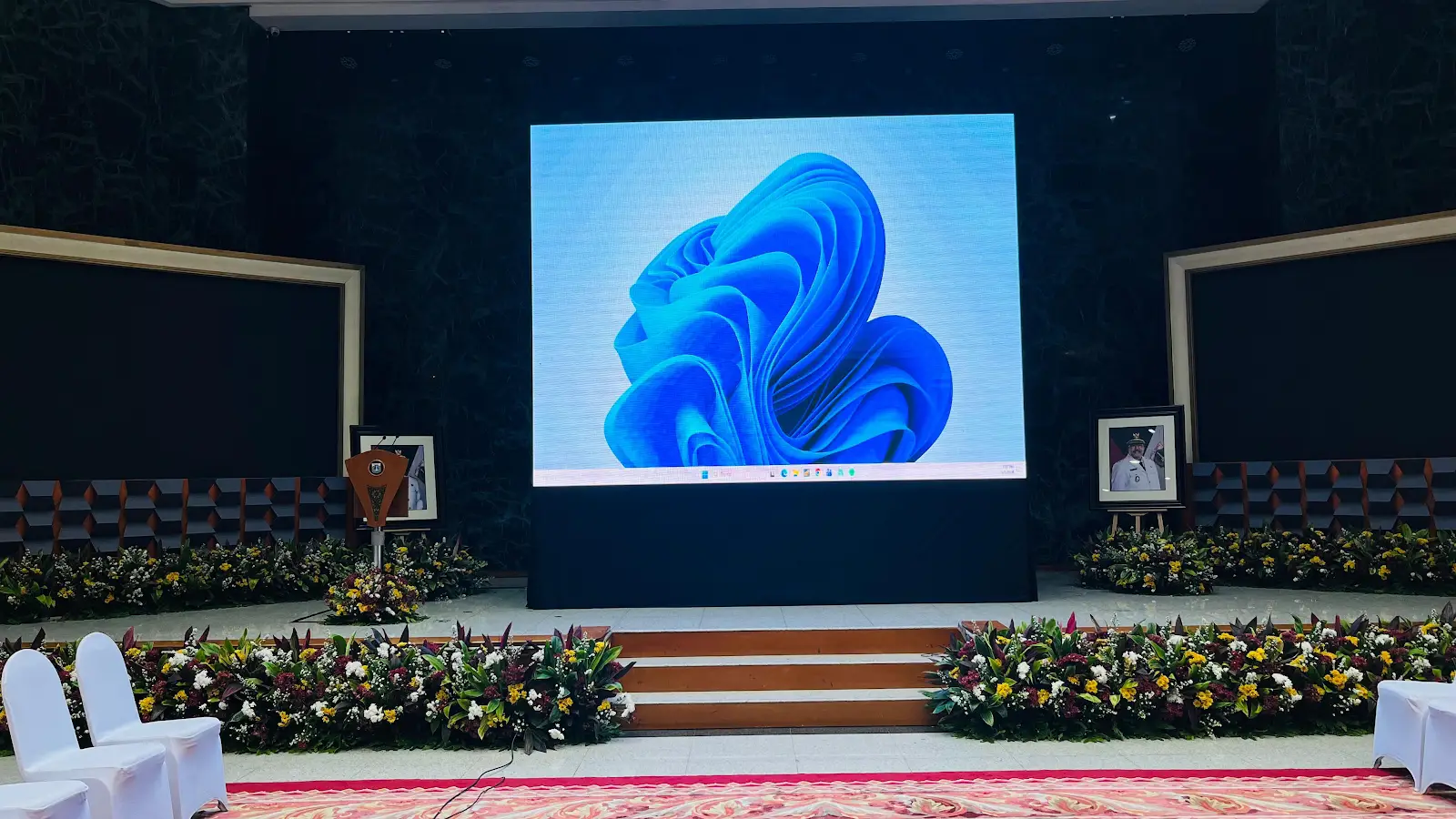
A reference from Jakarta City Hall
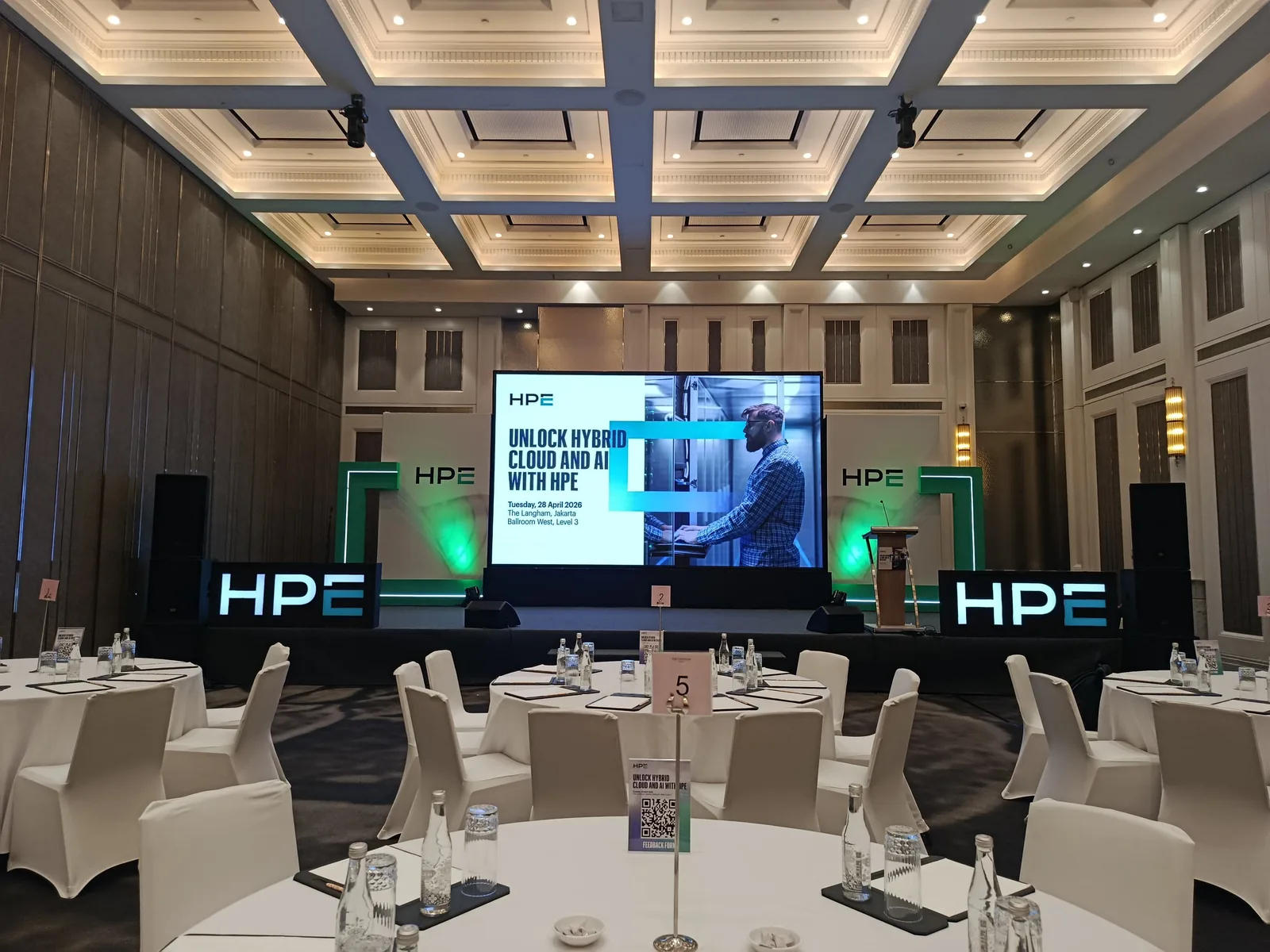
The project photographs show the screen and lectern in the meeting room. For your institutional event, the brief should clarify who approves the material and who can instruct the operator to make changes, alongside display requirements.
Separate working files from approved material
Agree one collection point and consistent version names. Institution logos, meeting titles, speaker names, and presentations should have a clear approval status. The operator needs to know which file may appear on screen; several similarly named versions create extra checking close to the event.
- Name and contact of the person approving content.
- Final files, display order, and holding screens between sessions.
- How corrections to names, titles, or programme order will be communicated.
Check screens, lectern, and seating together
Show all three on one layout. Mark guests, speakers, documentation positions, and organiser-designated routes. Discuss screen placement with the technical team using the layout and venue conditions. Rigging and installation requirements need technical review rather than estimates from a room photograph.
Confirm access and communication
Ask about access times, crew entry procedures, equipment entry requirements, and the venue contact for installation. Include these in the production brief shared with relevant teams. Separate quotation requirements from personal data or internal documents that are unnecessary for the initial discussion.
Check final content before doors open
Run the display sequence using approved material. Check names, content placement, and the handover to presentations. Record the version used after corrections, then agree who contacts the operator for last-minute changes. Include this check in your event's technical schedule.