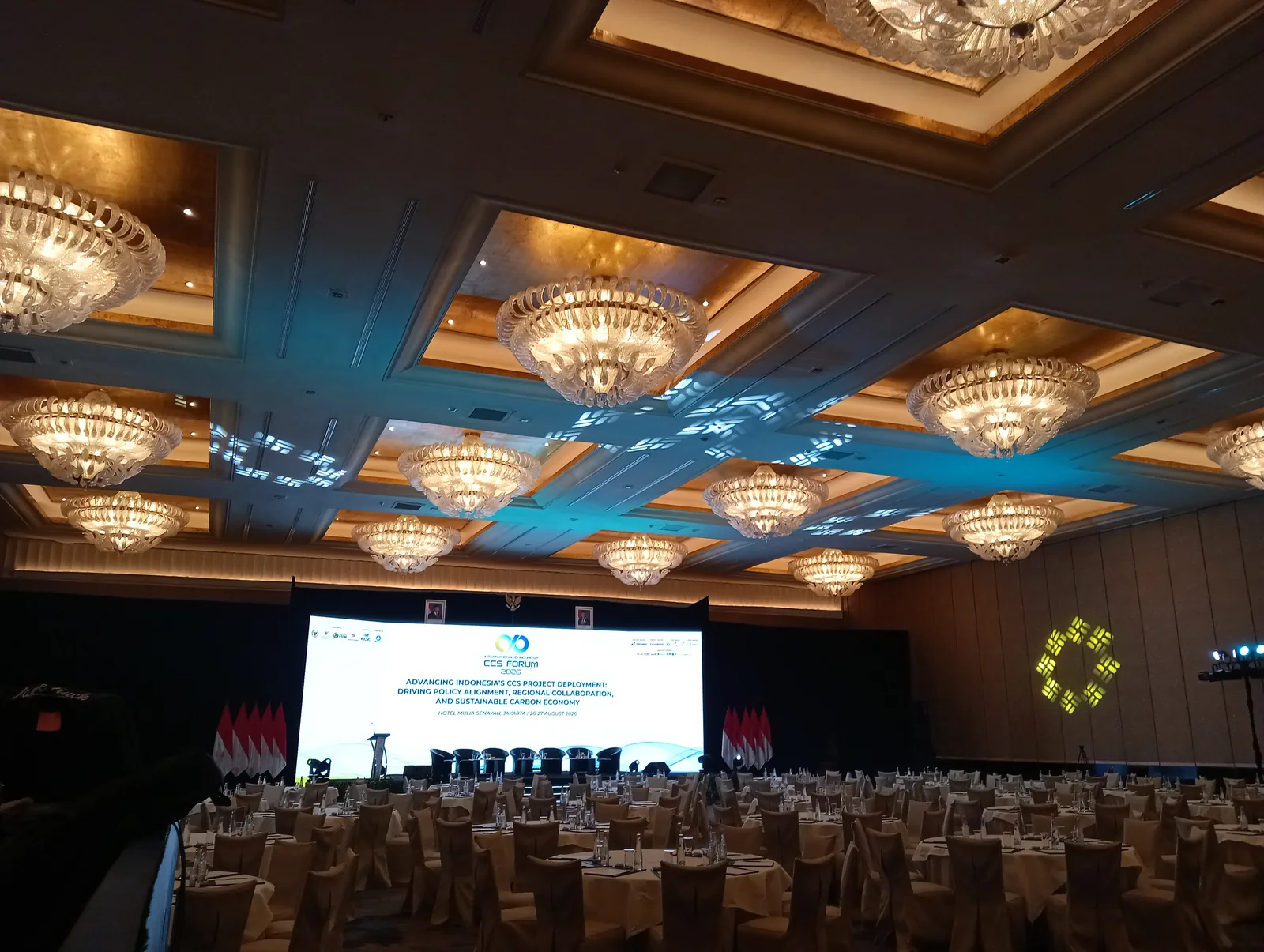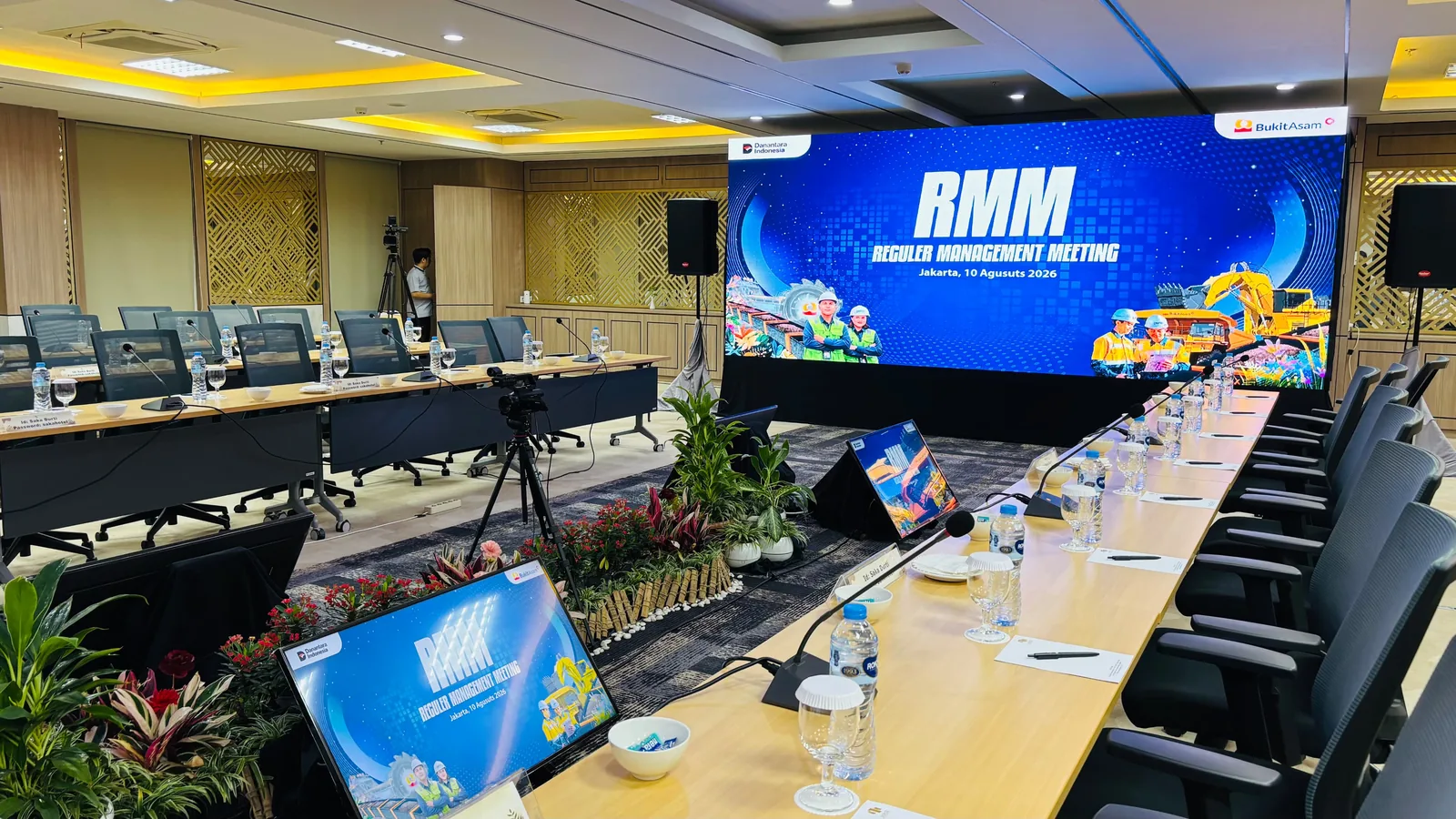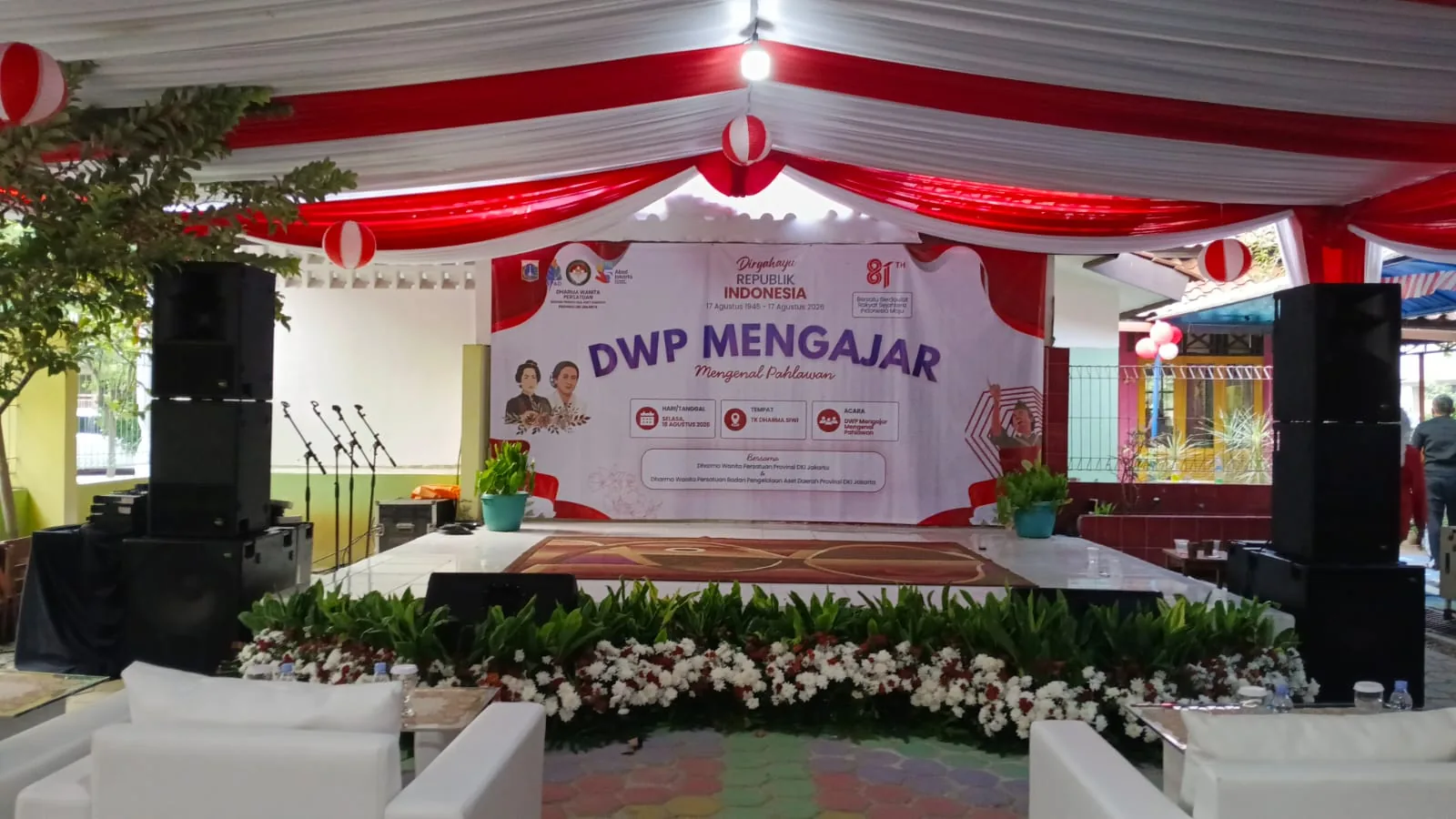
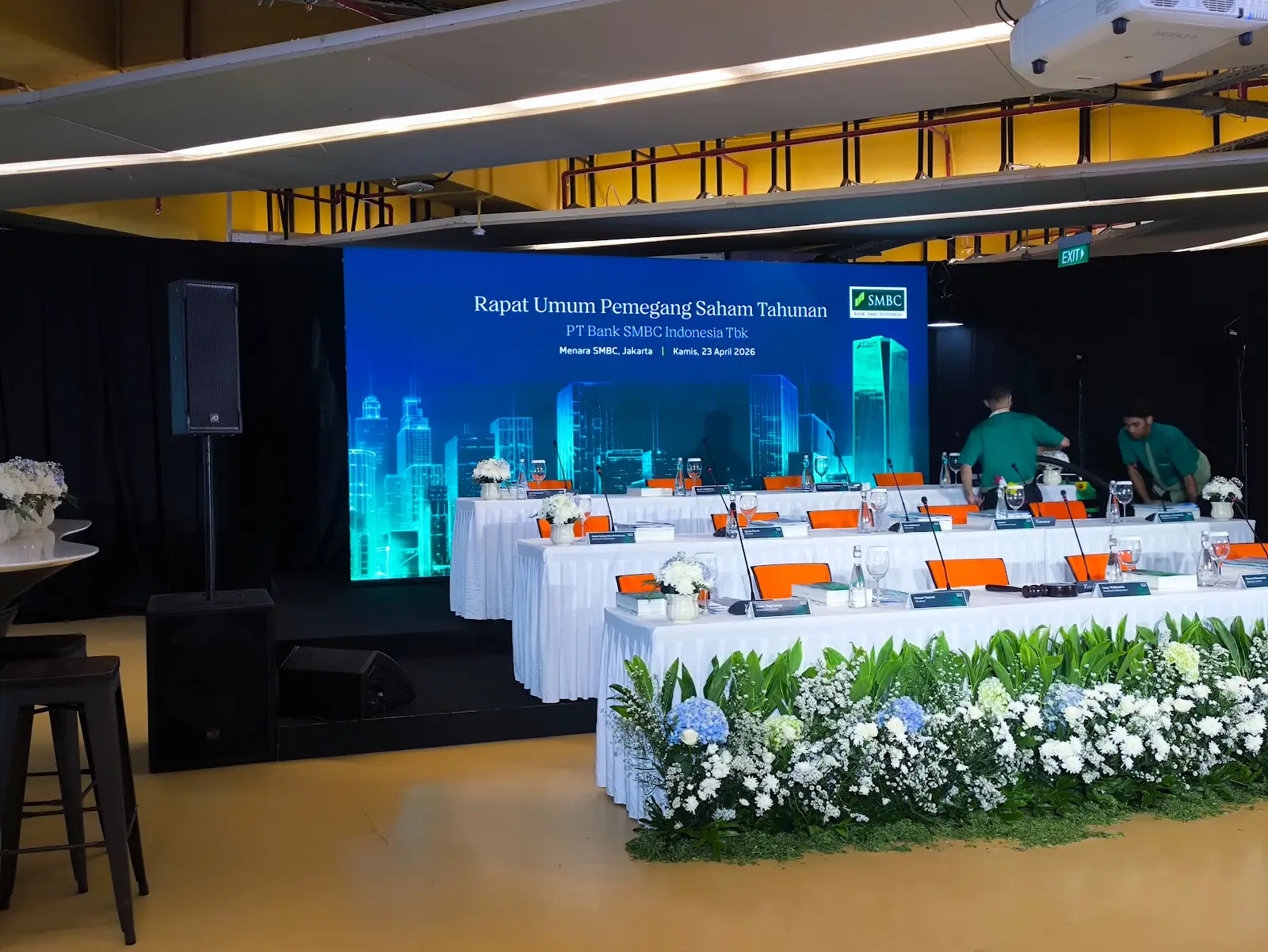
From the Bank SMBC AGM room
The project photographs show table microphones, speakers, and side displays. When briefing your own meeting, start with how participants will speak and view the material. Equipment selection can then follow the room layout and agenda you provide.
List who speaks, and from where
Attendance alone does not describe microphone requirements. A single lectern differs from a long-table discussion or questions from the audience. List speaker positions and any changes between sessions so sales can review the requirements with the operator.
- Fixed speakers, moderator, and people who may speak at the same time.
- Table, lectern, or handheld microphones passed around for questions.
- Audio from videos, remote participants, or meeting recordings, if required.
Share a layout, as well as capacity
Share a plan showing tables, lectern, displays, and access doors. Mark any areas that are still changing. Photographs of an empty room help an initial discussion, but dimensions and venue requirements still need confirmation before agreeing the setup.
- Front and rear audience areas, plus any additional rooms that need audio.
- Venue equipment you intend to use, with the venue's technical contact.
Test audio and slides in programme order
Allow time to try microphones at speaker positions, play videos with sound, and check laptop handovers. If side TVs are used, test the same content across the displays. Agree who gives cues and who holds the latest files so changes close to the event remain clear.
Send one brief the team can work from
Bring the date, venue, access times, layout, agenda, audio, and display needs into one brief. Separate confirmed requirements from possible additions. Princess sales prepares a quotation after discussing these details; mention recording or remote participation so those requirements can be confirmed within the scope.