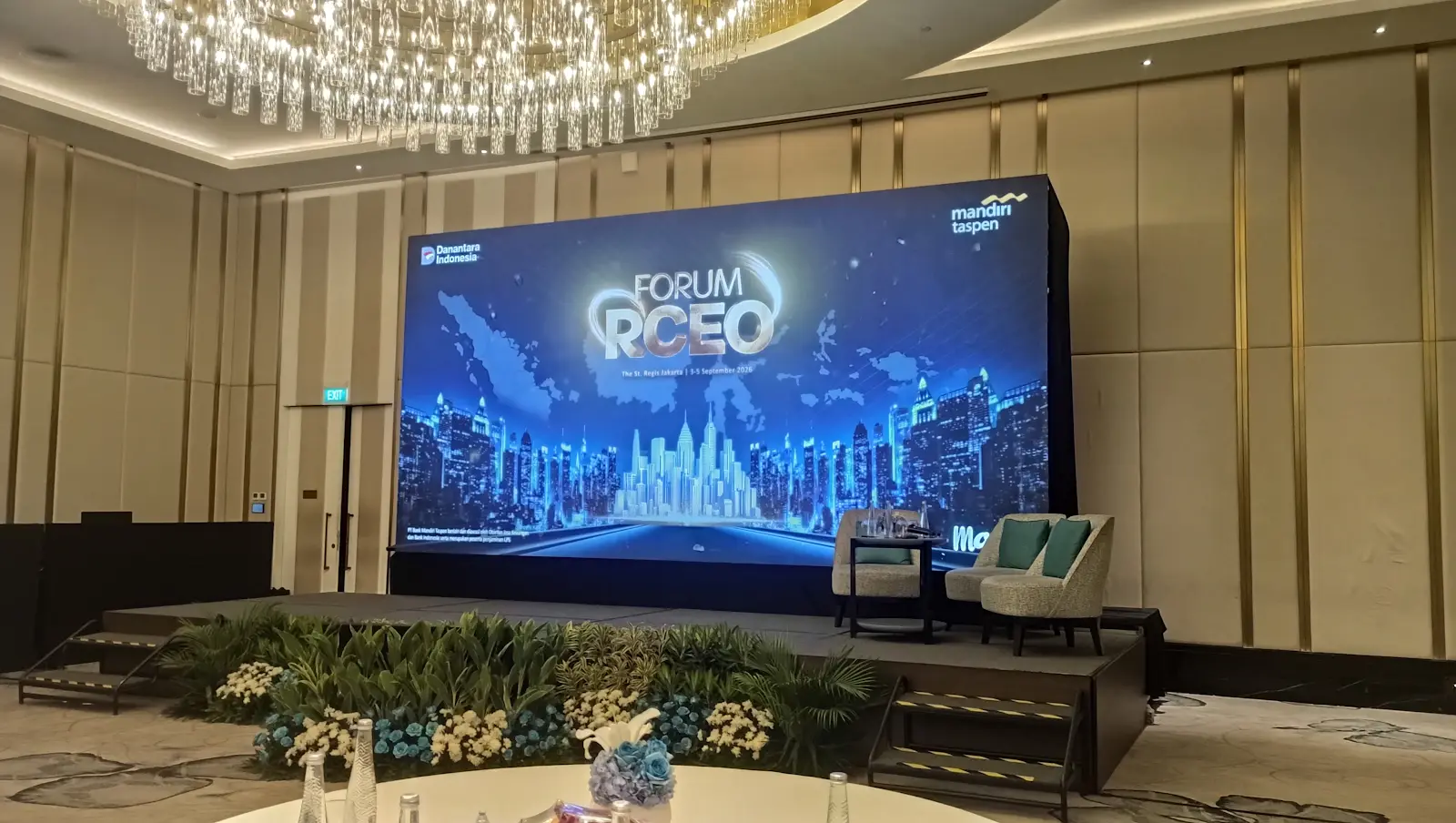
Screens at the RCEO Forum
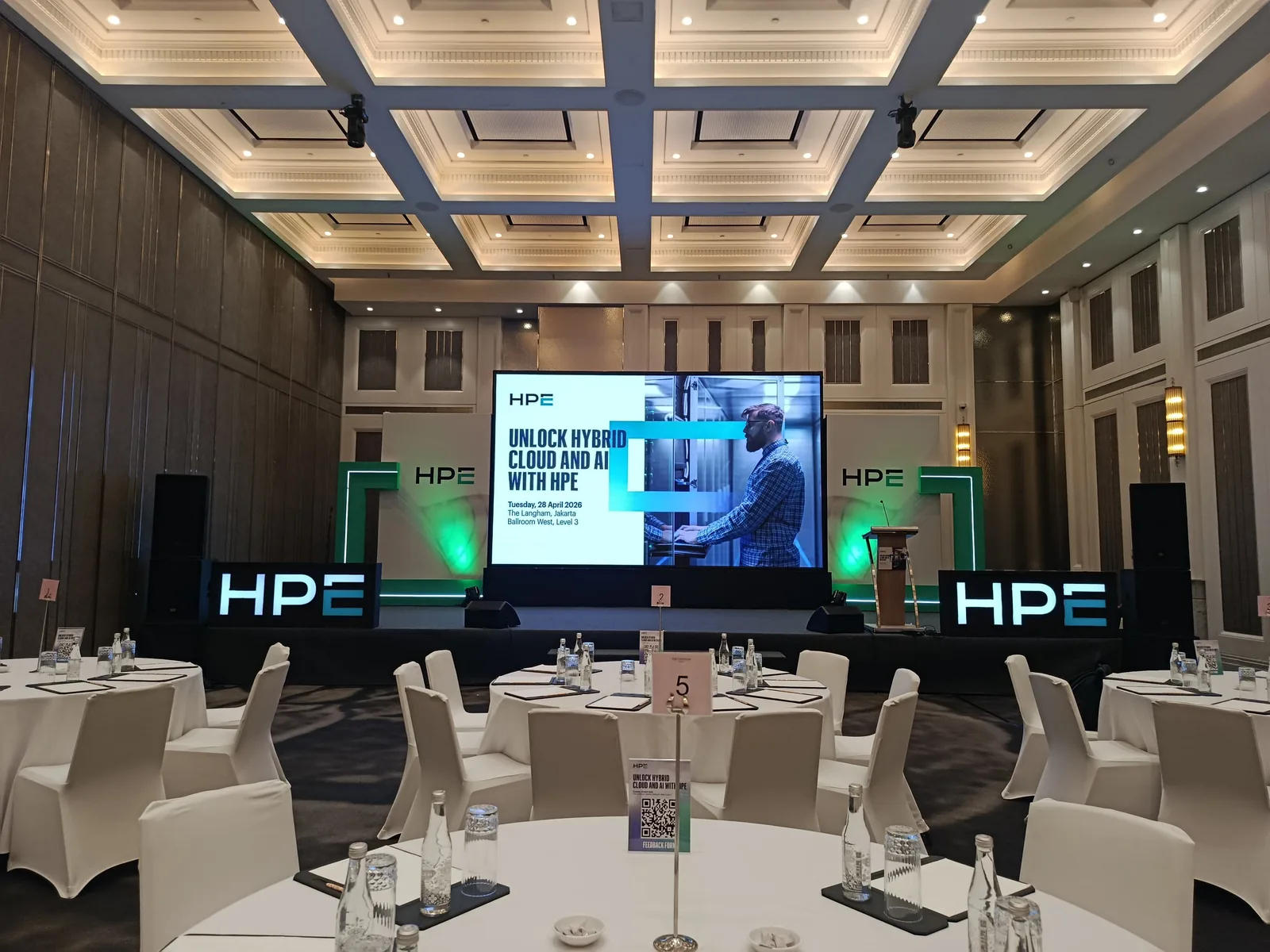
The project photographs show the screen and speaker area. For your conference, start the screen discussion with what participants need to see: presentations, event branding, video, or a combination of content types.
Inventory the content for each session
Separate content that stays on screen from content that changes with the programme. Event backgrounds, session titles, speakers' slides, and videos may have different formats. Share sample files early so the display format can be discussed before the designs are finalised.
- File list, file owners, and when final versions will be available.
- Content played from speakers' laptops or a shared presentation computer.
- Content that appears together and content that appears in sequence.
Check the view from audience seats
Place screens on the same plan as seating, lectern, and speakers. Mark side seats and the rear audience area. Once sample material is available, review text and table readability from those positions with the team. Final screen dimensions and configuration should be discussed around the room and content requirements.
Agree how files change and get updated
Agree a file-version naming rule and one person to collect materials. Record when the operator receives revisions and which parts need another test. For speaker handovers, specify a holding screen so the display shows prepared content while the next presentation is loaded.
Complete the LED brief before quotation
Send the date, venue, layout, sample content, installation schedule, and venue technical contact. Clarify which elements belong in the scope: screen, rigging requirements, operation, and content handling. Sales will confirm equipment options and scope from that brief.